DirecTV Now

DirecTV Now

Seamlessly adapting the DirecTV Now core app experience across multiple Mobile, Tablet, Web and TV platforms
A hand holding a smartphone mockup with a blank screen.

UX Designer

I applied cross-platform design system knowledge to produce UX documentation, validate solutions with in-house developers, research emerging OS updates, create wireframes, and prepare Keynote presentations for remote client workshops and reviews.

Project Timeline

2 Week Sprints

2 Week Sprints

Research & UX Week 1

Previous Sprint Retrospective

Digesting Core Experience Updates

Identifying Updates Necessary

Sprint Planning & Design Scrum

Platform Research

Wireframing

UX Documentation Specs

Remote Client WIP

UI & Presentation 1 week

Actioning Feedback From WIP

UI Screens

Remote Client Demo

High-Level UX & UI Specs Delivery

A New Way To Watch

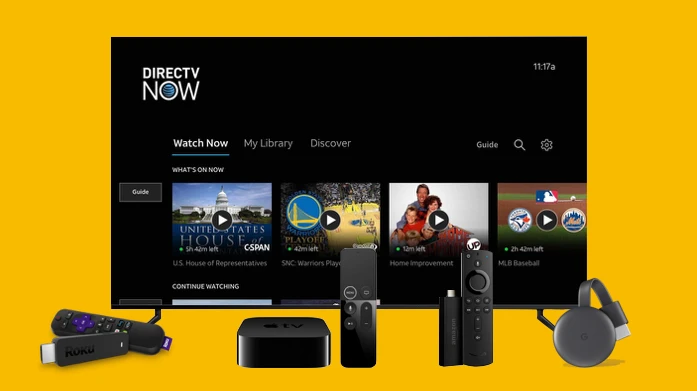
DirecTV Now is a ‘cable like’ OTT subscription streaming service delivered to multiple devices by AT&T.

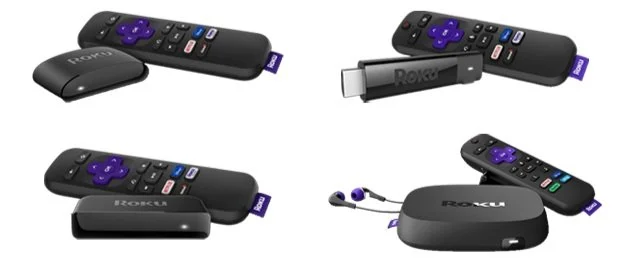
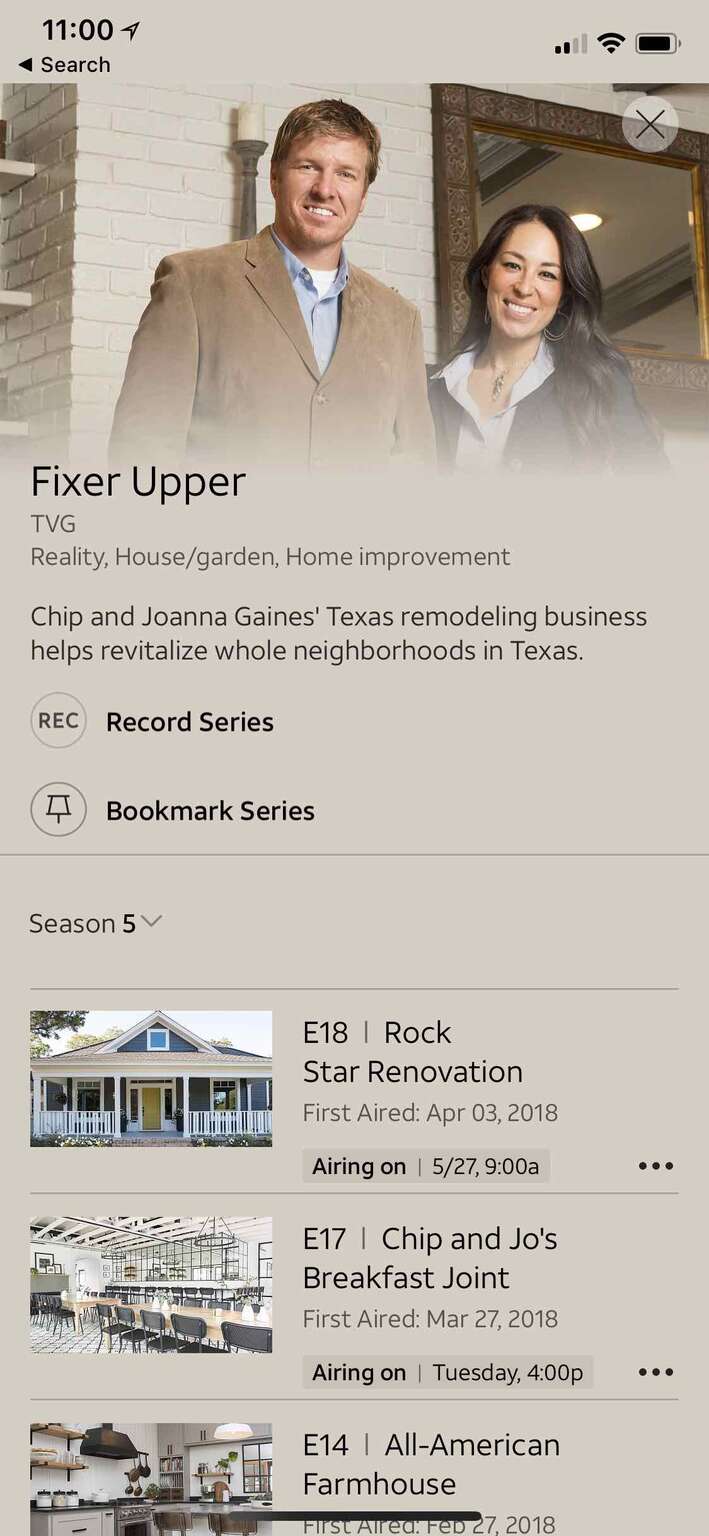
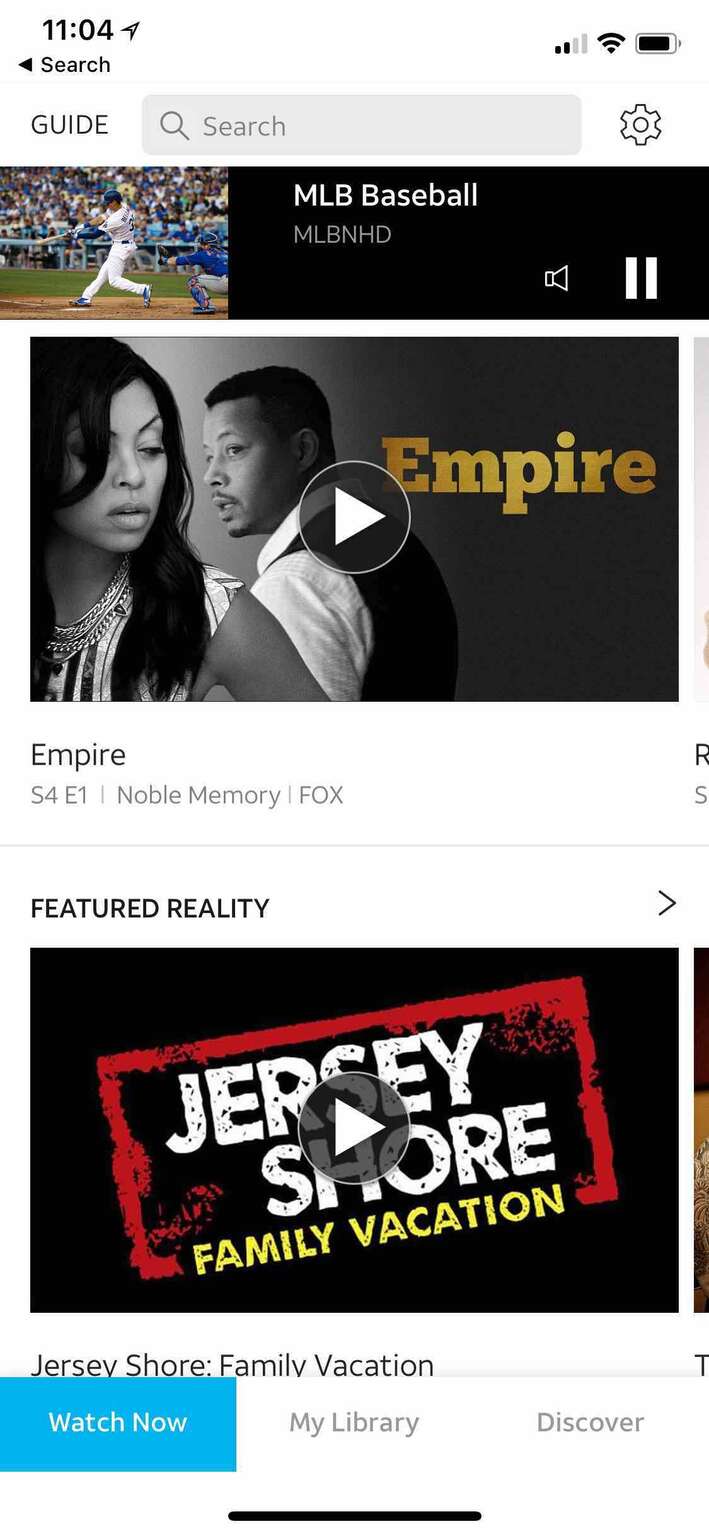
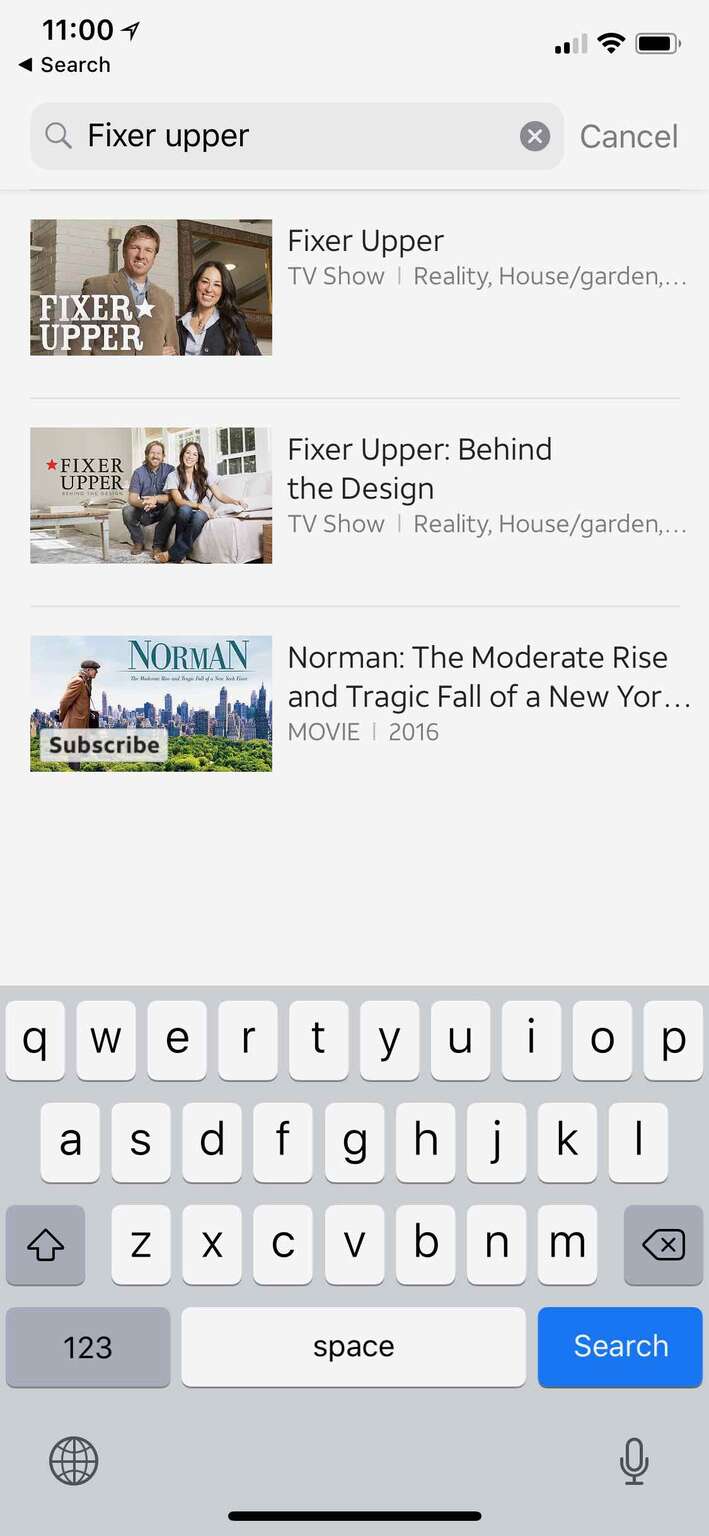
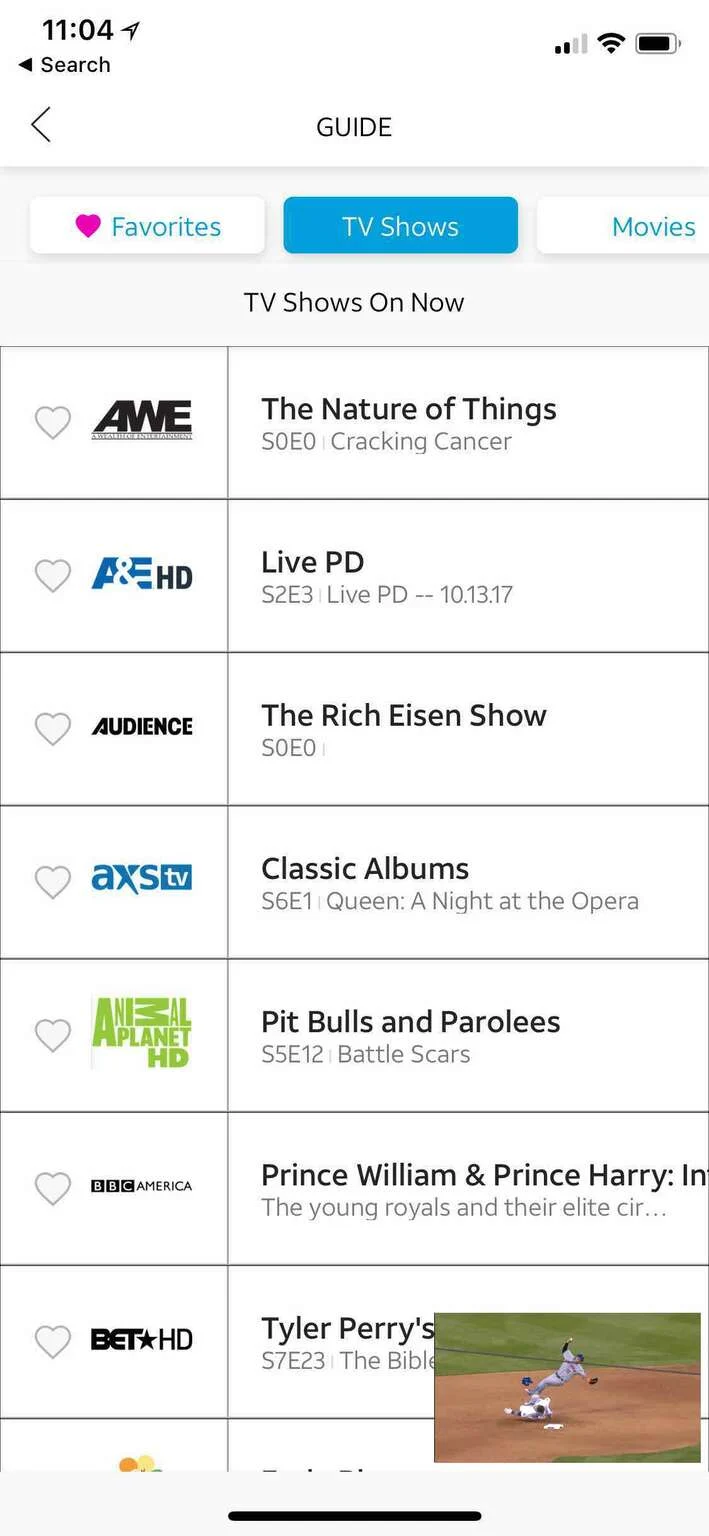
The Apple iOS, tvOS and web experience was designed by the AT&T team. Utilising our expertise across several platforms AT&T asked us to adapt their core experience to Android, Roku, FireTV, Xbox, Samsung Tizen and LG WebOS.

Multi-Platform Product Design

  • 01

    Research

    Files from Client

    Platform Research

    Design System Reference

  • 02

    Planning

    Sprint Planning

    Design Scrum

    User Stories

  • 03

    Concepts

    Input Adaptation

    Wireframes

    Engineer Cross-Reference

  • 04

    Structure

    Android Mobile
    & Tablet Adaptations

    Xbox Adaptations

    Roku Adaptations

    FireTV Adaptations

    Samsung Tizen

    LG WebOS Adaptations

    Copy Writing

  • 05

    Design

    UX Documentation

    UI Screens

    Design System Updates

  • 06

    Analysis

    Client WIP Presentation

    Updates From Client

    Client Demo Presentation

    UX & UI Adaptation Delivery

    Sprint Retrospective

  • 01

    Research

    Files from Client

    Platform Research

    Design System Reference

  • 02

    Planning

    Sprint Planning

    Design Scrum

    User Stories

  • 03

    Concepts

    Input Adaptation

    Wireframes

    Engineer Cross-Reference

  • 04

    Structure

    Android Mobile
    & Tablet Adaptations

    Xbox Adaptations

    Roku Adaptations

    FireTV Adaptations

    Samsung Tizen

    LG WebOS Adaptations

    Copy Writing

  • 05

    Design

    UX Documentation

    UI Screens

    Design System Updates

  • 06

    Analysis

    Client WIP Presentation

    Updates From Client

    Client Demo Presentation

    UX & UI Adaptation Delivery

    Sprint Retrospective

  • 01

    Research

    Files from Client

    Platform Research

    Design System Reference

  • 02

    Planning

    Sprint Planning

    Design Scrum

    User Stories

  • 03

    Concepts

    Input Adaptation

    Wireframes

    Engineer Cross-Reference

  • 04

    Structure

    Android Mobile
    & Tablet Adaptations

    Xbox Adaptations

    Roku Adaptations

    FireTV Adaptations

    Samsung Tizen

    LG WebOS Adaptations

    Copy Writing

  • 05

    Design

    UX Documentation

    UI Screens

    Design System Updates

  • 06

    Analysis

    Client WIP Presentation

    Updates From Client

    Client Demo Presentation

    UX & UI Adaptation Delivery

    Sprint Retrospective

Keeping It Consistent

One of the major challenges whilst working with a wide range of platforms was maintaining the experience provided by the core team and consistently adapting it to our owned platforms.

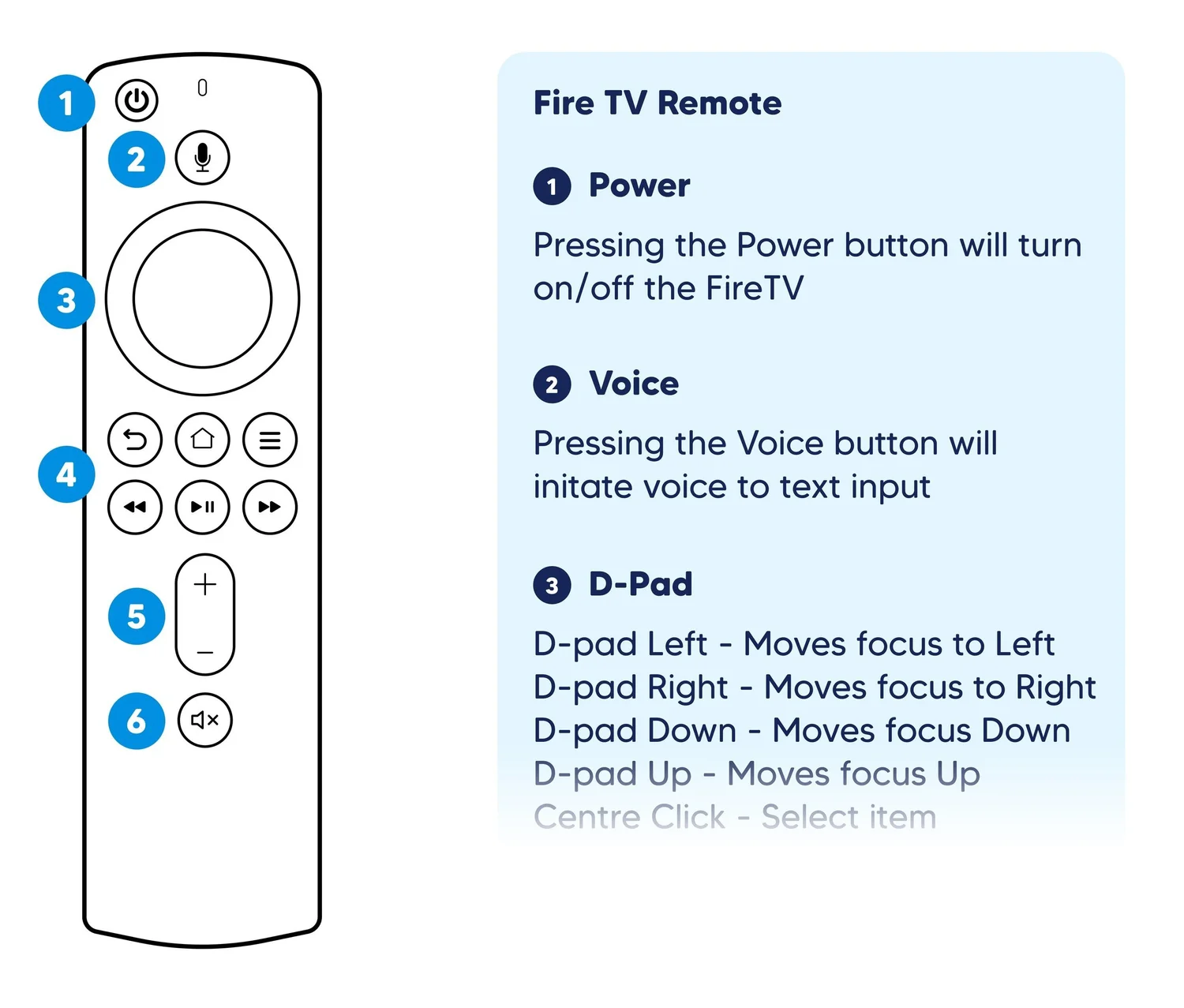
We carefully considered the different types of input methods each device used as well as their native design guidelines.

With each new input device, we explored all opportunities to use the existing shortcuts provided by the extra buttons available.

Remote Functions - UX Adaptation
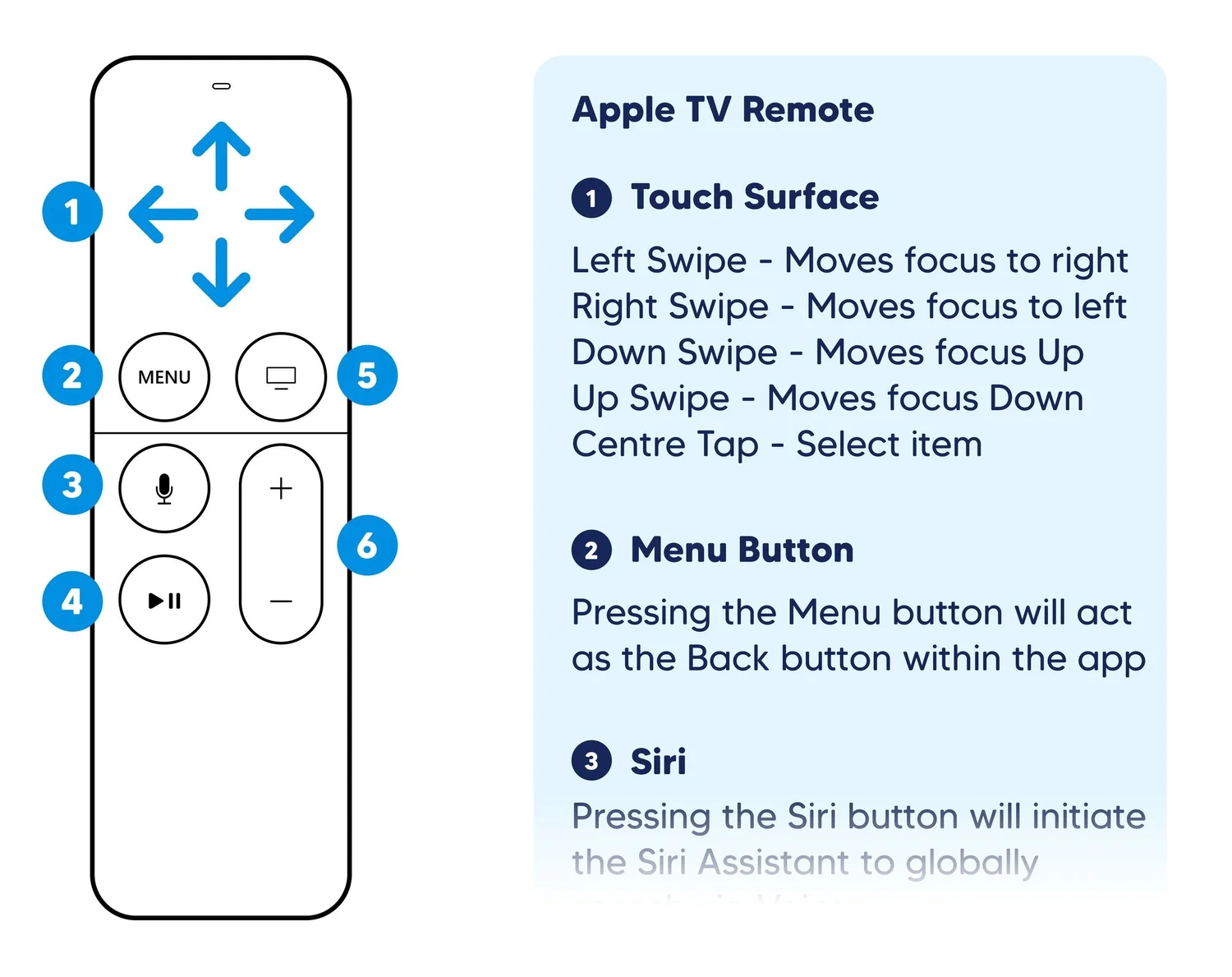
Remote Control - FireTV, Roku, Tizen & WebOS

D-pad navigation, Dedicated playback controls, Home & Menu shortcuts, Color/ABCD shortcut buttons

Game Controller - Xbox & FireTV

D-pad navigation, Dedicated playback controls, Home & Menu shortcuts, Color/ABCD shortcut buttons

Voice Search - Xbox & FireTV

Content search, Activating video player controls

Accessible to all
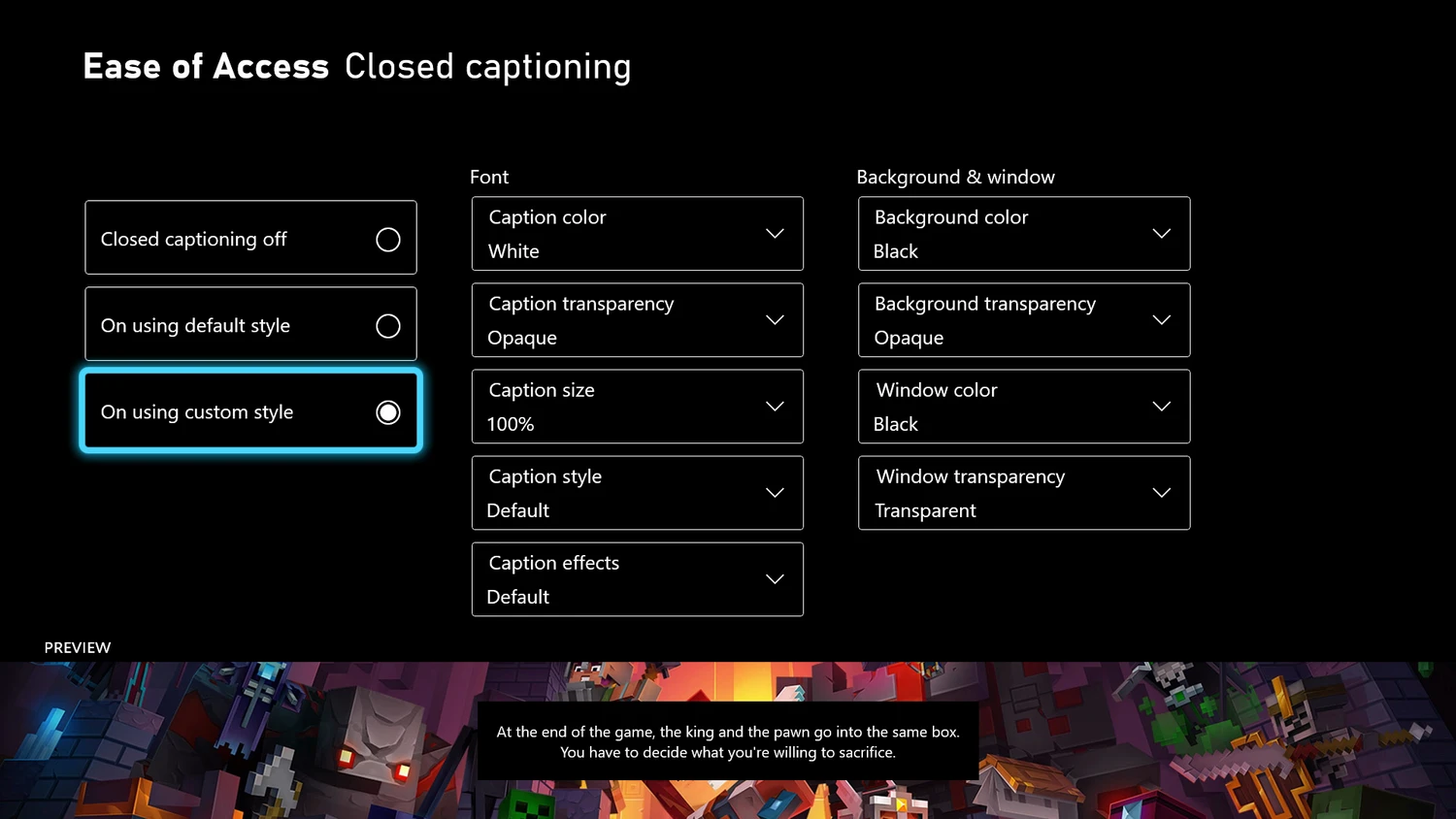
Several sprints were dedicated to adding accessibility functionality specs to each platform, ensuring that all users were able to enjoy DirecTV Now.

The bulk of this work was to offer full customisation of Closed Captioning to viewers within the video player and settings. Following detailed user stories, we checked off each adjustments available allowing the DirecTV Now experience to reach the highest accessibility standards (WCAG, ATAG, 255, 716).

The main existing pain point of the previous Optus Sport experience was content discovery.

Whilst Live and Upcoming Games were featured, additional content was grouped in an all-inclusive ‘Your Feed’ rail which left the user endlessly scrolling on the home page.

My first goal was to improve the information architecture by creating a consistent Home Screen hierarchy that dynamically updated depending on the status of the season or user’s watching habits.

The main existing pain point of the previous Optus Sport experience was content discovery.

Whilst Live and Upcoming Games were featured, additional content was grouped in an all-inclusive ‘Your Feed’ rail which left the user endlessly scrolling on the home page.

My first goal was to improve the information architecture by creating a consistent Home Screen hierarchy that dynamically updated depending on the status of the season or user’s watching habits.

The extensive closed captioning options available to viewers

The extensive closed captioning options available to viewers

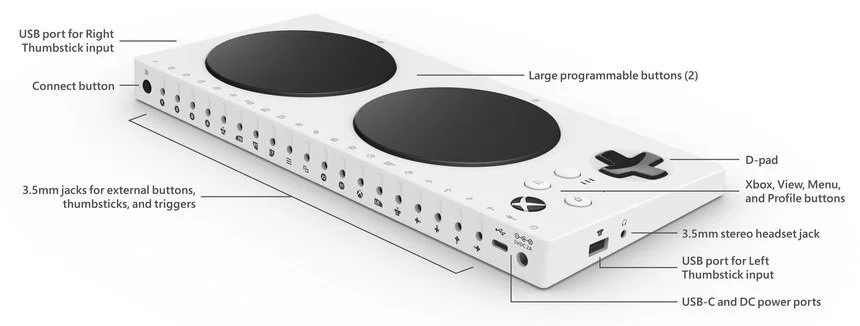
Specifications were also provided for Screen Readers such as Windows Narrator and Android Talkback as well as the Xbox Adaptive Controller.
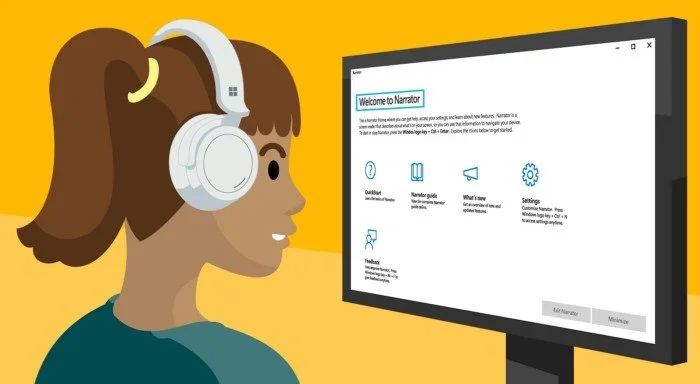
The Screen Reader function on Windows is navigated using the keyboard, additional hierarchy specs were provided for the order display of assets

The Screen Reader function on Windows is navigated using the keyboard, additional hierarchy specs were provided for the order display of assets

Xbox Adaptive Controller allows DirecTV Now users with limited mobility to navigate the experience with ease

Xbox Adaptive Controller allows DirecTV Now users with limited mobility to navigate the experience with ease

Virtual Reality Rules

Leveraging my expertise in VR design, I was tasked with defining UX principles and best practices for the new DirecTV Now VR experience. I delivered detailed research and recommendations to the AT&T development team, including competitive analysis across onboarding flows, VR interfaces, navigation systems, immersive environments, user repositioning, and content presentation methods.

The main existing pain point of the previous Optus Sport experience was content discovery.

Whilst Live and Upcoming Games were featured, additional content was grouped in an all-inclusive ‘Your Feed’ rail which left the user endlessly scrolling on the home page.

My first goal was to improve the information architecture by creating a consistent Home Screen hierarchy that dynamically updated depending on the status of the season or user’s watching habits.

Smooth Experience On All Devices

Along with tailoring the DirecTV Now experience to multiple platforms, we were also aware of the performance limitations that legacy devices would have compared to their successors.

In these instances, I delivered specialised UX and UI specs that demonstrated the changes necessary to enjoy an equally enjoyable experience on lower powered devices.

Some of these changes included the removal of background videos, transparent images, full-screen gradients, page transitions and other complicated animations.

The main existing pain point of the previous Optus Sport experience was content discovery.

Whilst Live and Upcoming Games were featured, additional content was grouped in an all-inclusive ‘Your Feed’ rail which left the user endlessly scrolling on the home page.

My first goal was to improve the information architecture by creating a consistent Home Screen hierarchy that dynamically updated depending on the status of the season or user’s watching habits.

The main existing pain point of the previous Optus Sport experience was content discovery.

Whilst Live and Upcoming Games were featured, additional content was grouped in an all-inclusive ‘Your Feed’ rail which left the user endlessly scrolling on the home page.

My first goal was to improve the information architecture by creating a consistent Home Screen hierarchy that dynamically updated depending on the status of the season or user’s watching habits.

Lower powered devices are still able to deliver a fluid DirecTV Now experience by removing non-essential assets

Lower powered devices are still able to deliver a fluid DirecTV Now experience by removing non-essential assets

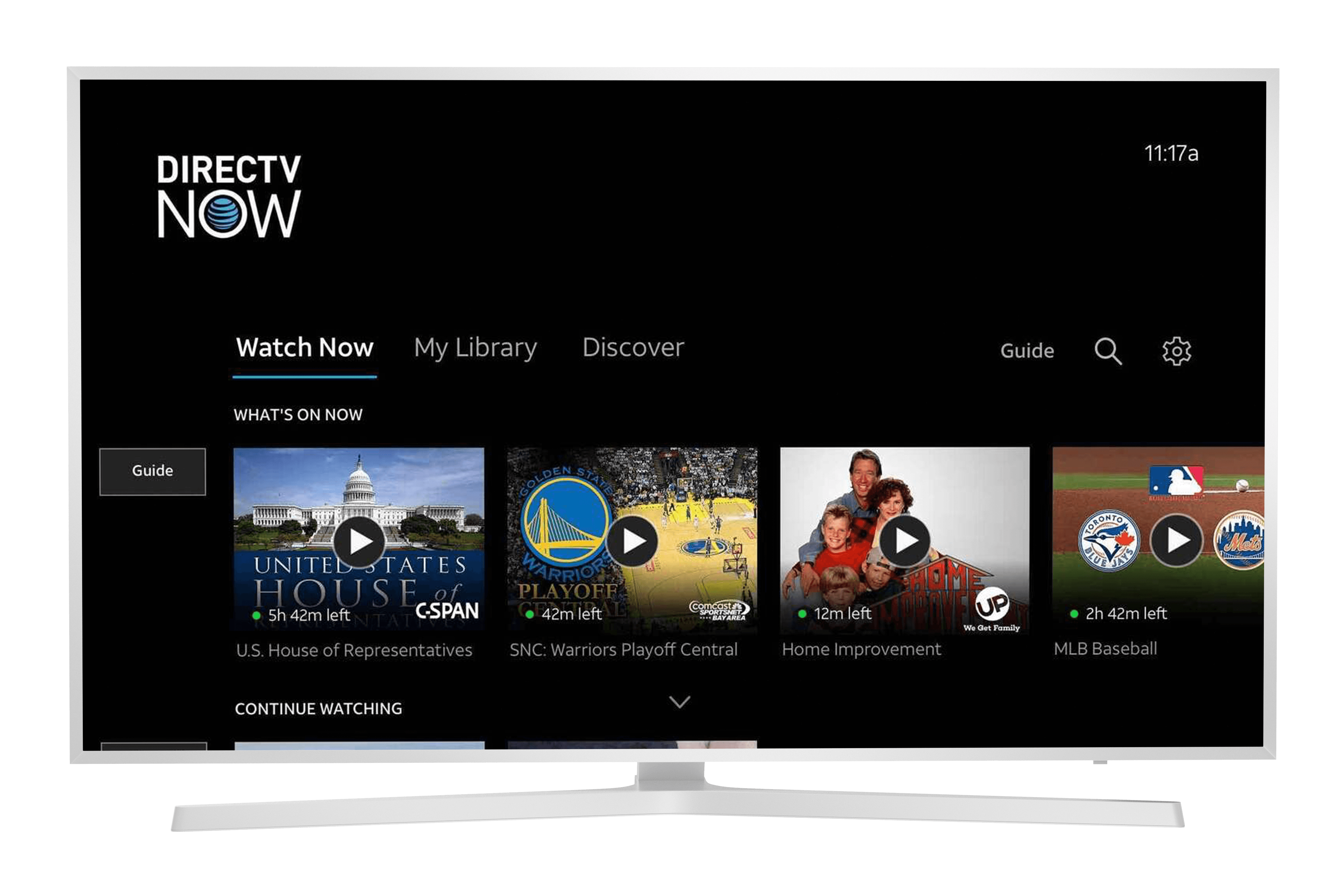
Home - TV

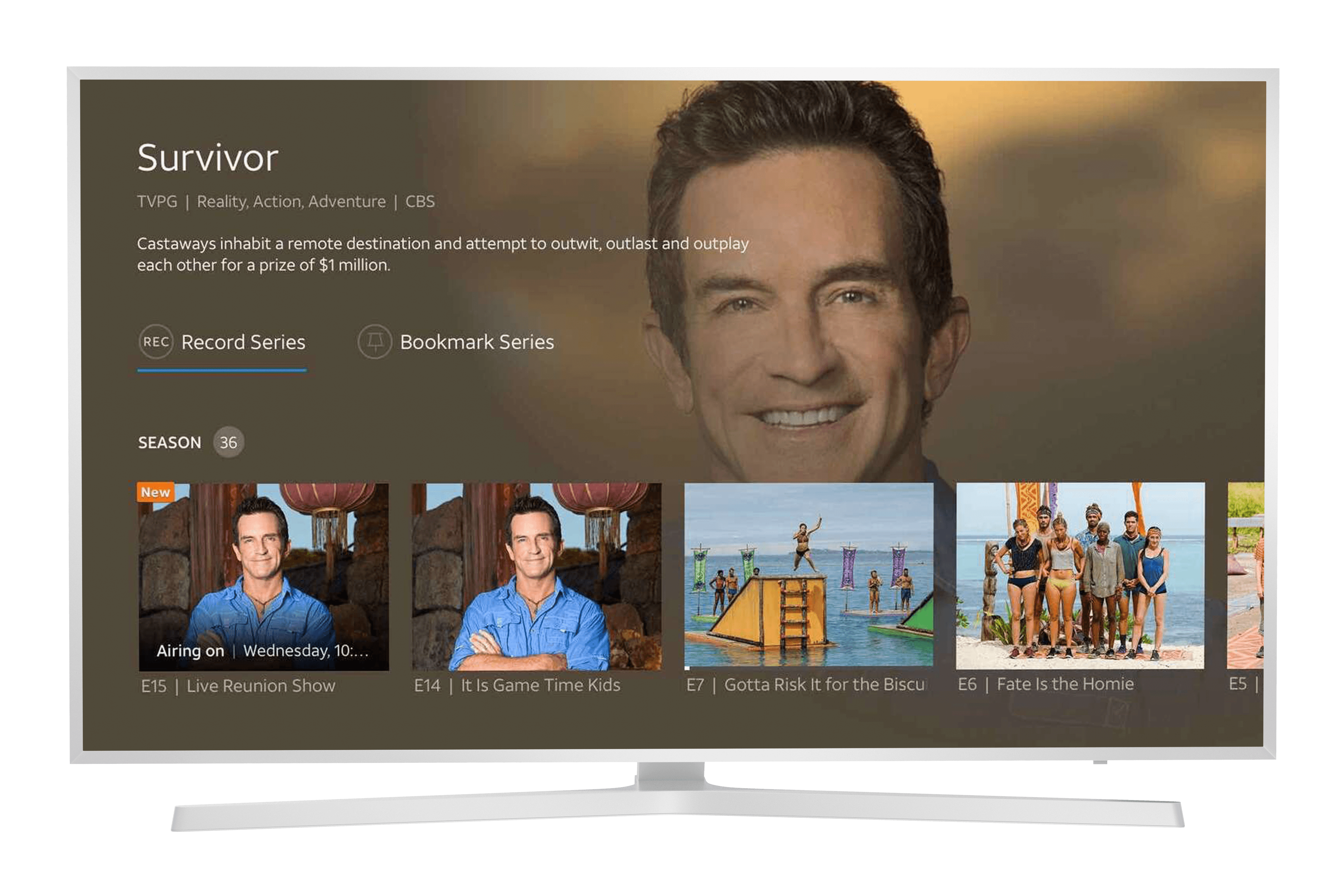
IDP - TV

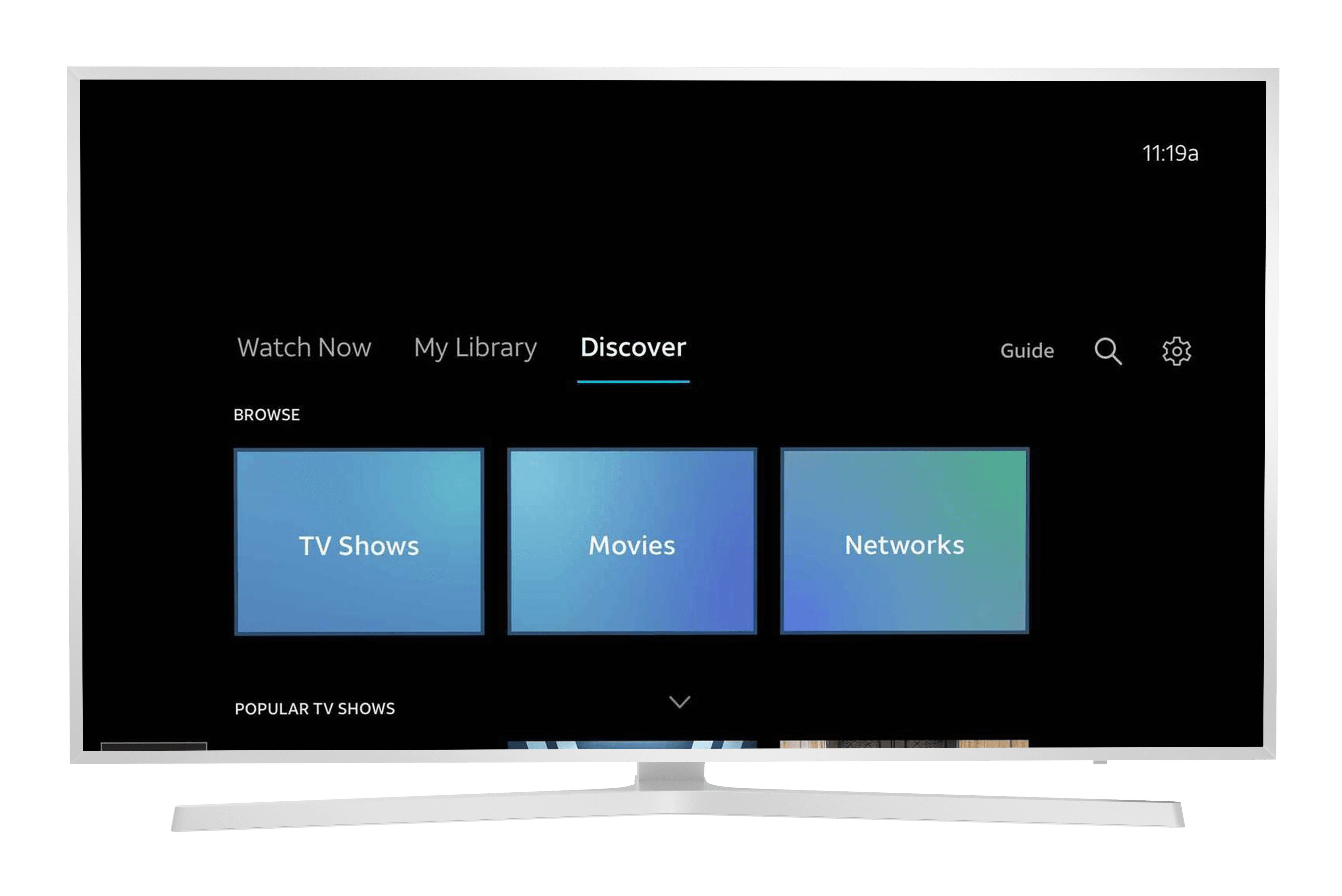
Browse - TV

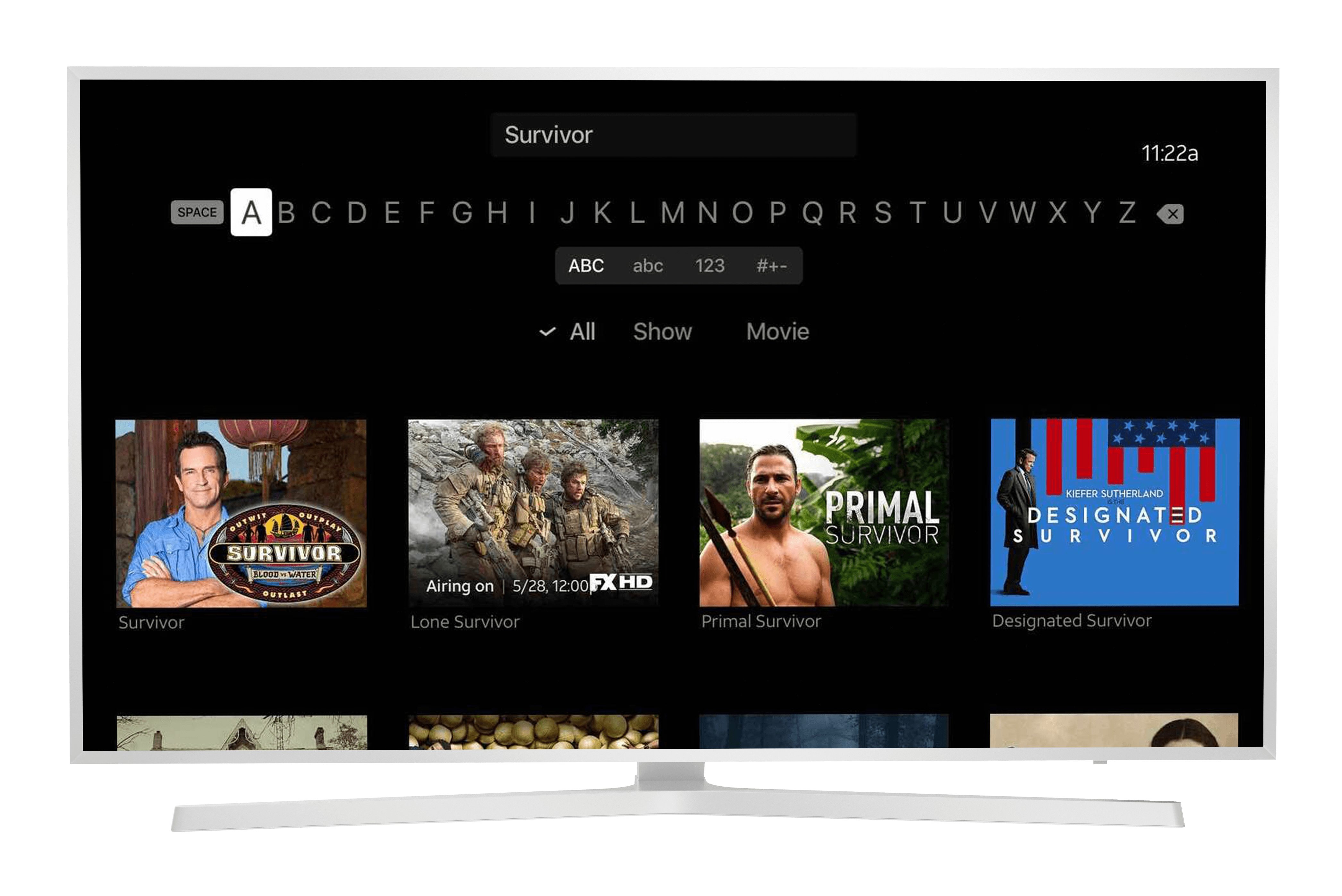
Search - TV
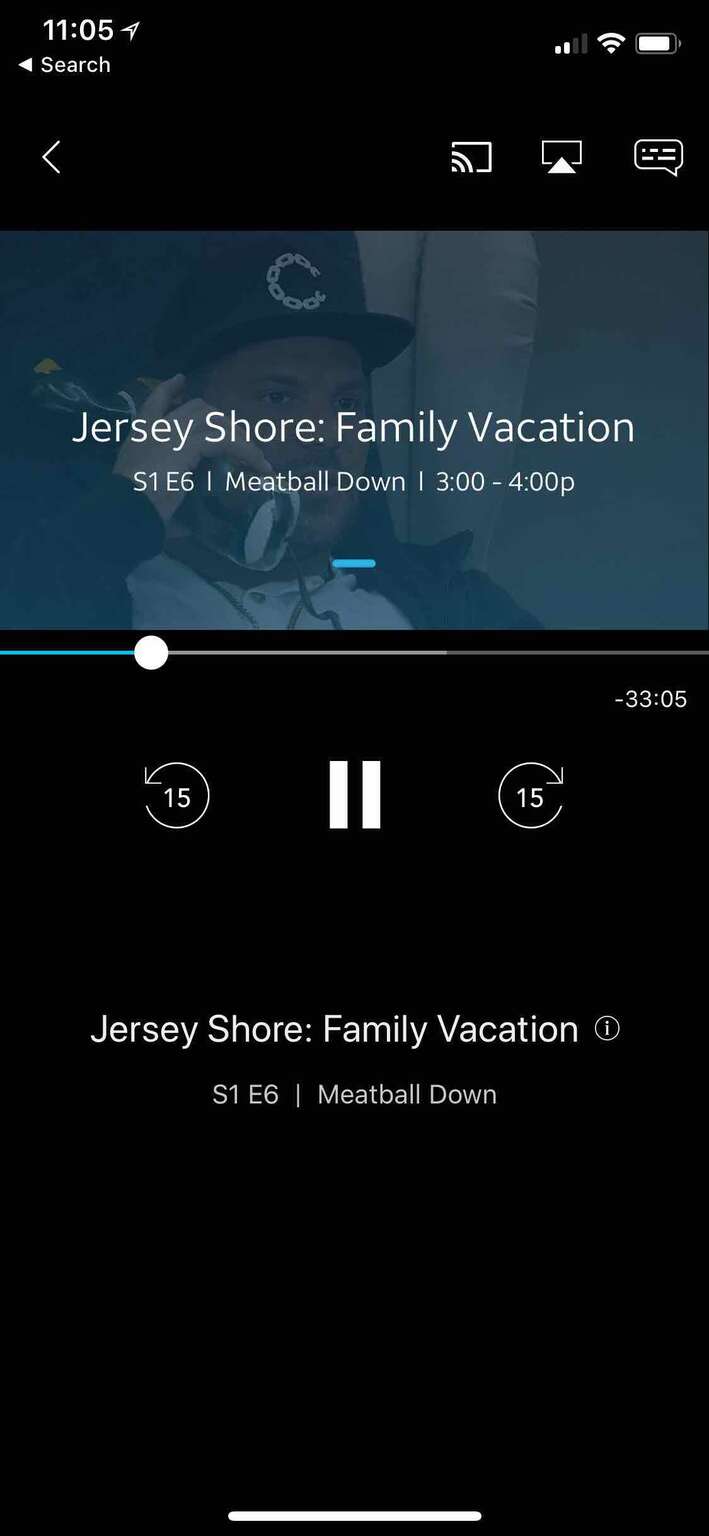
Video Player - Mobile

iPhone 17 Pro Max Orange Frame

IDP - Mobile

iPhone 17 Pro Max Orange Frame

Home - Mobile

iPhone 17 Pro Max Orange Frame

Search - Mobile

iPhone 17 Pro Max Orange Frame

Guide - Mobile

iPhone 17 Pro Max Orange Frame